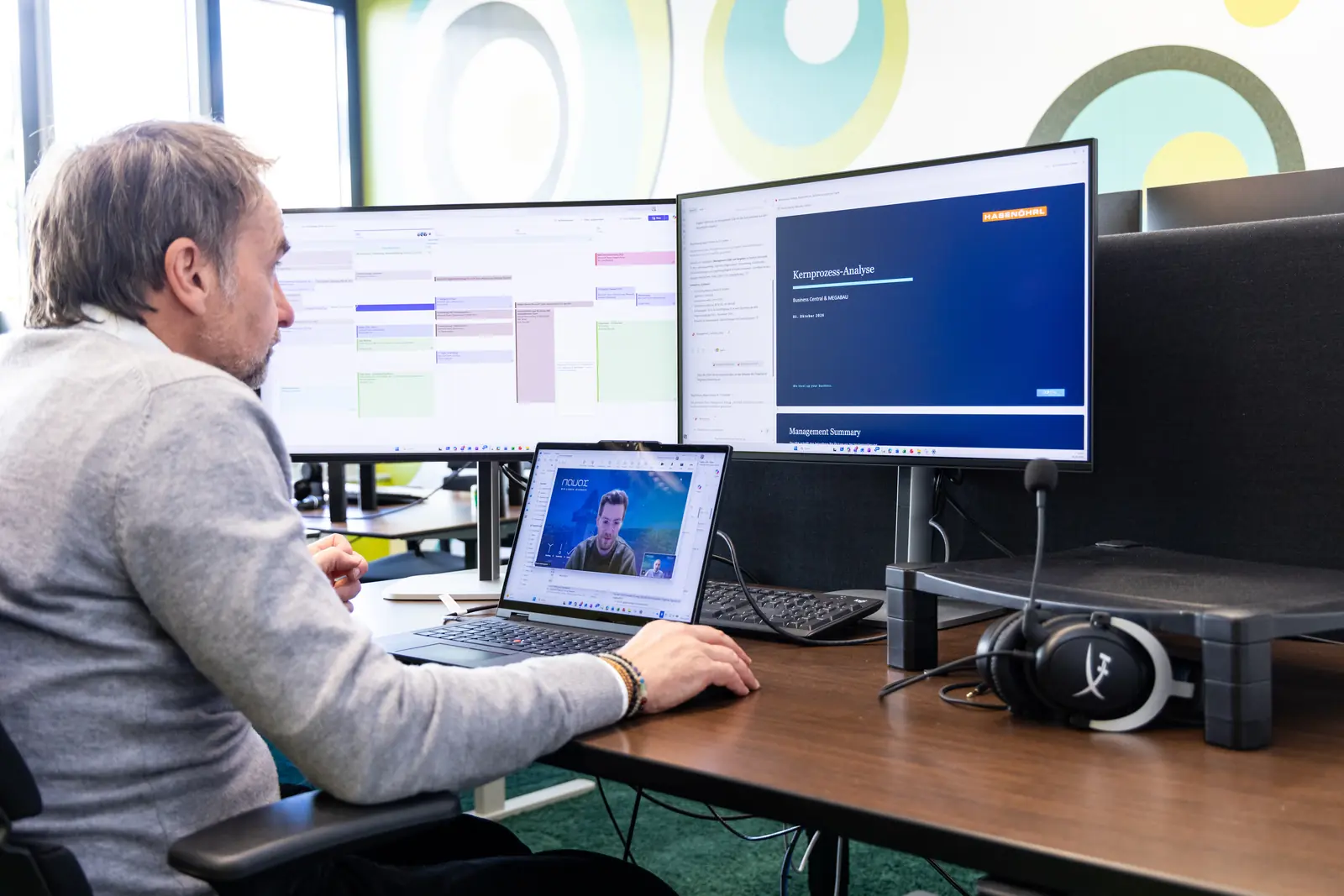
Business Central implementation with the NAVAX ERP EasyStarter.
With a Business Central implementation using the NAVAX ERP EasyStarter, every module has a fixed scope and a fixed price. After 8 to 12 weeks, you work productively, with your own data.
Fixed priceEvery module with a fixed scope and a fixed price
Outcome
Ready to postFrom quote to invoice, with legally compliant posting
For whom
SMBsand larger midsize companies in Austria and Germany
How you can tell
These topics are keeping you up at night.
Do you recognize yourself in one of these statements? Tap it to see what the EasyStarter changes.
With the EasyStarter
The EasyStarter and every package have a fixed scope and a fixed price. You only book the modules you really need, and you see in advance how much of your own time to plan: for example, 10 hours for basic training in inventory management and 12 hours for basic training in financial accounting.
With the EasyStarter
With the EasyStarter, your financial accounting is set up for the month-end close from day one. Account assignment runs automatically via stored posting matrices, recurring journals handle recurring entries, and you create the monthly VAT return at the push of a button as XML for U30 or ELSTER. With the Payment Imports package, you read bank statements electronically and match payments automatically.
With the EasyStarter
You get Excel templates for customers, vendors and items, and we handle the initial import. Training runs via Microsoft Teams in your own environment with your data. You may record every session and receive all slides.
Sign 01 of 03
How the weeks unfold
Productive in 8 to 12 weeks.
NAVAX services are designed for 4 weeks; you use the remaining time to apply what you have learned in daily work. Tap a phase.
before the startWeek 123456789101112after
NAVAX
Base
Training
Available for questions
Support
You
Data
Set up what you learned
Apply and test
Live
Go-live · guideline week 8 to 12
Phase 1 · before the project starts
Start and data
NAVAX
Opens your Business Central and sets up the EasyStarter base
Handles the initial import of customers, vendors and items
You
Provide customers, vendors and items in the Excel template, no later than one week before the start
Plan at least one week for data cleansing
Schematic illustration with guideline values. The actual duration depends on the scope and your participation.
Modules
One base, one training series, packages as needed.
The EasyStarter is modular: you only book what you need and can expand at any time, including after go-live.
01
What is ready at the end?
ERP EasyStarter base
A system ready for use in the standard: as a basis for extensions or directly for day-to-day operations.
Joint kick-off and handover meeting
Setup of your Business Central environment and creation of users
NAVAX best-practice configuration packages, and the required apps if needed
Quick import of customers, vendors and items via Excel
02
How does your team learn the system?
Training series
You choose how you learn: on your own with Microsoft Learn, with the training videos from Learn4D365 or in person with NAVAX.
Basic training for administration, inventory management and financial accounting
Via Microsoft Teams, in your environment with your data
Recording allowed, all slides included
03
What comes next?
Packages and extensions
Once the base is running, you expand in a targeted way. More than 40 packages cover finance, warehousing and logistics, manufacturing, service, projects, sales, reporting and data migration, each with a fixed scope.
Core process analysis with 28 hours as a 3+1-day workshop
Data migration with 4 hours
Interfaces, for example to BMD or DATEV, plus Power BI, Power Platform and AI
Production and service require a Premium license
From practice
As much standard as possible.
In my view, the most common mistake is wanting to build the new ERP exactly like the old system. An ERP implementation is a good opportunity to question and simplify processes that have grown over time. My approach is therefore to use as much standard as possible and to customize only where it creates real business value.
— Team Lead Presales & Product Architecture at NAVAX, working with ERP since 2001
NAVAX in numbers
We don’t just implement. We stay.
NAVAX builds its own software and has been running it for years. That is why we know what a system has to withstand in its tenth year.
30
Years in business
330
People
1,000+
Projects
8 locations in Austria and Germany
Microsoft Solutions Partner for Business Applications. ISO 27001 certified.
FAQ
Frequently asked questions about Business Central implementation.
What customers most often want to know before starting with the EasyStarter.
How long does a Business Central implementation take?
As a guideline, expect 8 to 12 weeks, about three months. NAVAX services are designed for 4 weeks; you need the remaining time to apply what you have learned in daily work. The actual duration depends on the scope and your participation. The shortest realistic lead time is two weeks.
What is the best way to start a Business Central implementation?
With a manageable first step and with your key users involved from the start. Our Team Lead Presales & Product Architecture advises: “Deliberately keep the first step manageable and involve the key users from the beginning. Start with the core processes that really matter, gain practical experience in the system early and then develop the solution step by step. You don't need to have every conceivable requirement in place at go-live.”
Can I implement Business Central myself?
In principle, yes, but Microsoft delivers Business Central without a basic setup. You would then have to create the chart of accounts, document numbers, taxes and reminders yourself. With the EasyStarter, this setup is already done, and you can still learn on your own, for example with Microsoft Learn or the videos from Learn4D365.
How much does a Business Central implementation cost?
The costs consist of the Microsoft licenses, billed per user and month, and the implementation services. Microsoft publishes current license prices on its Business Central pricing page. The implementation effort depends on the number of users, areas, data migration and customizations. The EasyStarter and the packages have a fixed price that you know before you start. Only individual customizations are billed based on effort.
Does Business Central with the EasyStarter run in the cloud or on-premises?
The EasyStarter is designed for Business Central in the Microsoft cloud, and that is also our clear recommendation. In the cloud, you have the current features and updates of Business Central; on-premises, some newer features, especially AI features, are not available or not to the same extent. If you have specific reasons for it, NAVAX also implements Business Central on-premises.
Is the EasyStarter also suitable for larger companies?
Yes, the EasyStarter is suitable for SMBs and in principle also for larger midsize companies. What matters is less the company size than whether your processes, requirements and project scope fit the standardized implementation approach. The EasyStarter creates a standardized base that you then expand in modules.
I already use an older version of Navision or Business Central. Is the EasyStarter right for me?
The EasyStarter is meant for a fresh start: you transfer master data, opening balances and open entries into a newly set up system. If you want to take your data and customizations from an existing system with you, you will find the right paths on our Business Central page.
What is the difference between Microsoft Dynamics and Business Central?
Dynamics 365 is the Microsoft product family for ERP and CRM; Business Central is the ERP system from that family for small and midsize businesses. For larger organizations, there is Dynamics 365 Finance and Supply Chain Management.
Which data do I need to provide?
You provide your customers, vendors and items in our Excel templates. If you can export the data from your previous system, filling them in usually takes only a few hours. We handle the initial import.
Which data is migrated from the old system?
The opening balances of all G/L accounts, the open customer and vendor entries with document number, document date and due date, and the opening balances of your bank accounts are migrated. Basic training in financial accounting is a prerequisite.
Can I use my own chart of accounts?
Yes, we prepare a separate quote for that. For a quick start, the EasyStarter comes with a predefined chart of accounts: ÖEKR for Austria, SKR03 or SKR04 for Germany. After go-live, you can adjust it and add as many G/L accounts as you like.
Can I switch during the fiscal year?
Yes. Most customers close the old system at the end of a month and work with Business Central from the beginning of the next. Until then, you practice in a sandbox, which you keep after go-live.
What happens after go-live?
NAVAX continues to support you after the start. For questions and fine-tuning, there is the consultation hours package with 8 hours you can use flexibly; for ongoing operations, there is the NAVAX Customer Service. You can add further packages, customizations, interfaces or Power BI reports at any time, because the EasyStarter is modular.
Start your Business Central implementation with a clear plan.
Tell us the number of users and the areas, and we will suggest the right framework of EasyStarter and packages.