Microsoft ERP with Dynamics 365.
An ERP system connects finance, purchasing, sales, inventory and manufacturing in one application. NAVAX relies on Microsoft Dynamics 365 and implements your ERP, in the cloud or when moving from Navision.
















What is an ERP system, and what is Microsoft's ERP?
An ERP system (enterprise resource planning) is business software that covers finance, purchasing, sales, inventory, manufacturing, projects and service in one system with one shared database. Instead of many separate programs and lists, every department works with the same data. Microsoft offers Dynamics 365 Business Central for small and midsize businesses and Dynamics 365 Finance and Supply Chain Management for large companies with international subsidiaries.
- Who
- NAVAX, Microsoft Solutions Partner for Business Applications, Navision partner since 1998.
- What
- Consulting, implementation and support for ERP with Microsoft Dynamics 365.
- Who it's for
- Companies in Austria and Germany that are looking for a new ERP, want to replace standalone tools or are moving off Navision.
- Outcome
- One system instead of many lists, current numbers without exporting to Excel.
- Why NAVAX
- More than 30 years of experience, more than 600 business customers, ISO 27001 certified.
Which ERP fits you.
Business Central for midsize businesses, Finance and Supply Chain Management for international groups, plus the migration from Navision, cloud ERP and our own apps.



When a new ERP system pays off.
Three situations in which companies look for an ERP system, and what changes with Microsoft Dynamics 365.
One ERP system for twelve countries.
EVVA runs manufacturing, inventory and sales of locking systems in one ERP, rolled out worldwide.
- Customer story
 EVVA
EVVA - Company
EVVA manufactures locking systems, in the manufacturing and construction industry.
- In the ERP
Manufacturing, inventory and sales run in one shared ERP.
- Result2,000shop floor confirmations in four months
The ERP is rolled out worldwide, as standard in twelve countries.
Read the EVVA customer storyThe gain in transparency is enormous, whether for the shop floor, production management or senior management.
Is a Microsoft ERP a fit for you?
Being honest up front saves both sides time. If more of the right-hand column applies, we will tell you so in the consultation.
Tap the statements that apply to you.
A good fit if …
Another route is better if …
Select the statements above that apply to you. This is where you will see whether a conversation is worth it.
Microsoft ERP software: what fits whom.
Two ERP systems, two deployment options and the path from Navision. Here is the overview; the details are on the linked pages.



Four steps to your new ERP system.
From mapping your processes to support after go-live.
- 1
Map your processes
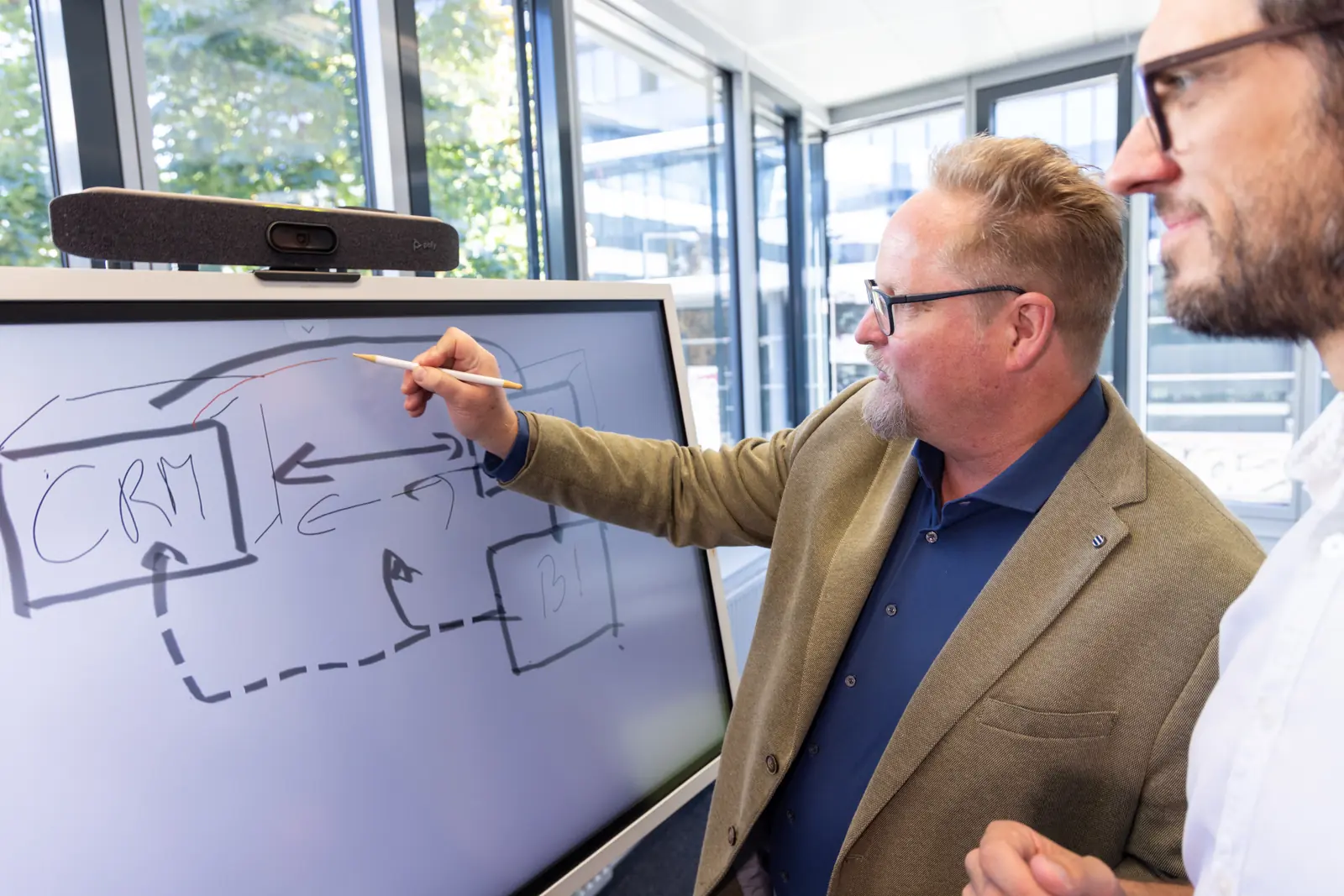
In the core process analysis, we spend three days mapping your core processes and comparing them with the standard. On the fourth day, we present the results.
What you have afterwardsPrioritized requirements, an effort estimate and the recommended approach.
- 2
Choose the system and path
Together we decide which system fits, whether it runs in the cloud or on your own servers and, for Navision, which of the three paths. The principle: standard first, extensions only where they are really needed.
What you have afterwardsThe decision on system and path, plus a timeline and budget.
- 3
Set up, migrate data, test
We set up the system, migrate the agreed data and test the processes with your key users. As a guideline, a new Business Central implementation with the NAVAX ERP EasyStarter takes 8 to 12 weeks.
What you have afterwardsA configured system, tested with your own processes.
- 4
Training, go-live and support
Your team is trained, then the ERP goes live. After that, NAVAX Customer Service supports you.
What you have afterwardsYour ERP in live operation and a fixed channel for questions afterwards.
Frequently asked questions about ERP systems.
What people often ask before a first conversation. If your question is missing, ask us directly.
What is an ERP system, in simple terms?
An ERP system is software in which a company runs its most important processes in one place: finance, purchasing, sales, inventory, manufacturing, projects and service. ERP stands for enterprise resource planning. All departments work with one shared database, so an order is entered only once and is then visible to inventory, invoicing and accounting.
What does an ERP system do?
Typical areas are financial accounting, purchasing, sales, inventory, manufacturing, projects, service and reporting. In Business Central, the Essentials license covers finance, purchasing, sales, inventory and projects, and Premium adds manufacturing and service management. Industry requirements are covered by extensions, including some from NAVAX.
What is the difference between ERP and CRM?
An ERP system manages internal processes: finance, purchasing, inventory, manufacturing and invoicing. A CRM system manages customer relationships: sales, marketing and service. The two complement each other when they exchange data. At Biogena and Röchling Industrial, NAVAX connected ERP and CRM.
Are ERP and SAP the same thing?
No. ERP is the type of software, and SAP is a vendor that offers ERP systems. Other well-known vendors in German-speaking countries are Microsoft with Dynamics 365, Oracle NetSuite, Sage and weclapp. NAVAX relies on Microsoft because its ERP works directly with Microsoft 365: you open data in Excel, work from Outlook and Teams and analyze numbers in Power BI.
What is Microsoft's ERP system?
Microsoft offers two ERP systems in the Dynamics 365 family: Business Central for small and midsize businesses and Finance and Supply Chain Management for large companies with international subsidiaries. Business Central is the successor to Dynamics NAV, formerly Navision. Finance and Supply Chain Management evolved from Dynamics AX.
Business Central or Finance and Supply Chain Management: which fits us?
For most small and midsize businesses in retail and distribution, manufacturing, services and construction, Business Central is the right foundation. For very large groups or groups with many international subsidiaries, we check together whether Finance and Supply Chain Management is a better fit.
Should our ERP run in the cloud or on our own servers?
Business Central is available for both. However, Microsoft develops the product cloud-first, Copilot and many new features are only available online, and your own servers, backups and upgrade projects go away.
How much does an ERP system cost?
The cost has two parts: licenses billed per user and month, and the effort for the implementation. How much you invest depends on the number of users, the license you choose, the areas covered, the data migration and the customizations. For a new Business Central implementation with the NAVAX ERP EasyStarter, you know the price of the modules before you start.
How long does an ERP implementation take?
As a guideline, a new Business Central implementation with the NAVAX ERP EasyStarter takes 8 to 12 weeks until you are working productively. When migrating from Navision, the duration depends mainly on the path chosen, the number of customizations and the data that is migrated. You receive a timeline with the concept, before implementation begins.
We still work with Navision. What now?
Microsoft's extended support for Dynamics NAV 2017 ends in January 2027, and for NAV 2018 in January 2028. The direct successor is Business Central. You choose between three paths: Easy Starter as a clean fresh start, data migration with your history, or 1:1 migration with all customizations.
You might also be interested in.
The individual ERP solutions and practical knowledge around ERP.
- SolutionFinance and Supply Chain ManagementMicrosoft's ERP for companies with several countries and their own subsidiaries.View page
- SolutionMicrosoft Dynamics 365 Business CentralMicrosoft's ERP for SMBs: features, licenses and the three paths from Navision to the cloud.View page
- SolutionCloud ERPWhy an ERP without your own servers, and what the path to the cloud with Business Central online looks like.View page
- SolutionNAV to Business Central migrationEnd of support, the three paths to Business Central and what comes along when you migrate.View page
- SolutionBusiness Central implementationThe NAVAX ERP EasyStarter: modules with fixed scope and price, productive after 8 to 12 weeks as a guideline.View page
- SolutionProcess analysisYour core processes checked against standard Business Central before the ERP project begins.View page
- SolutionMicrosoft CRMSales, marketing and service with Dynamics 365, connected to your ERP.View page