Solutions for your industry.
Manufacturing, wholesale, services and construction all work differently. We implement Microsoft Dynamics 365 Business Central with the building blocks that fit the way your industry works.
Where is your company at home?
Choose your industry segment and we will take you to the right page.
Solutions for financial service providers are offered by NAVAX Software on its own website.
What slows your industry down, and what helps.
For each industry: the challenges we hear most often in projects, the path of an order through the system and the building blocks made for it.

Orders, planning, shop floor confirmations and costs work together, without Excel in between.
Manufacturing ERP that plans with you.
NAVAX delivers manufacturing ERP on Microsoft Dynamics 365 Business Central, with the add-ons manufacturers actually need, from a graphical planning board to shop floor data collection.
Typical challenges
- Planning lives in ExcelThe graphical planning board shows orders, operations and capacities straight from the ERP. Rescheduling means dragging, not recalculating.
- Confirmations arrive on paperShop floor data collection and mobile data capture post actual times, quantities and scrap where they happen: directly to the production order.
- Variants break the costingOverhead costing before the order, post-calculation after it, both on the same bills of materials and routings. You see deviations while you can still react.
- Proof takes daysLot, serial and package numbers follow every part from goods receipt to delivery. Traceability is a query, not a search.
The path of an order
- 01Quote & order
- 02Planning
- 03Production
- 04Warehouse & shipping
- 05Controlling
16 building blocks
- Production order and release cockpit
- Graphical planning board
- Planning parameters
- Shop floor data collection
- Mobile data capture
- Label printing for production
- and 10 more
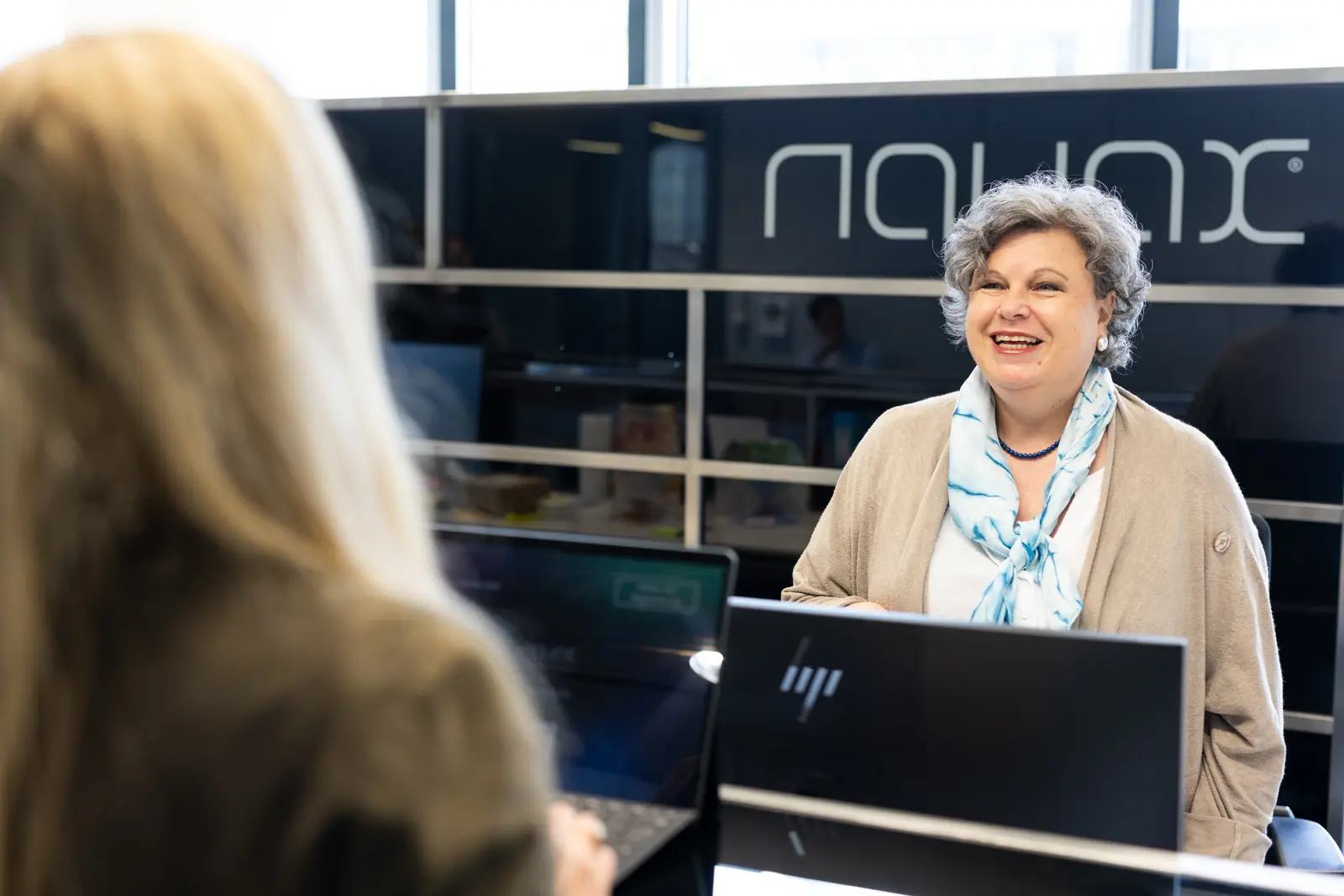
Webshop, field sales and EDI partners see the same availability, in real time from the ERP.
Wholesale distribution software and ERP.
NAVAX wholesale distribution software brings purchasing, warehouse, webshop and EDI onto one platform: Microsoft Dynamics 365 Business Central with the add-ons that help distributors deliver faster, from goods receipt to shipping.
Typical challenges
- Orders arrive through every channelWebshop and EDI write orders directly into Business Central. Phone orders are entered in the same system, so there is one order book for all channels.
- Nobody knows for sure what can be deliveredAvailability and delivery capability come from one source, for the shop, field sales and inside sales at the same time, including open purchase orders with suppliers.
- The warehouse searches instead of pickingMobile data capture guides you to the bin by scanner, checks item and quantity while picking and posts immediately. FEFO or FIFO picking is included.
- Margins show up too lateDocument Capture reads incoming invoices automatically, Power BI shows contribution margin by customer, item and channel, updated daily from the ERP.
The path of an order
- 01Purchasing
- 02Sales
- 03Warehouse
- 04Shipping
- 05Controlling
10 building blocks
- Webshop integration
- Dropshipping
- CRM database
- Electronic Data Interchange (EDI)
- Delivery capability
- Mobile data capture
- and 4 more

Quote, project, time tracking and invoice work together, with the same data for sales and controlling.
ERP for professional services firms that think in projects.
No to isolated tools, yes to one platform: NAVAX builds ERP for professional services on Microsoft Dynamics 365, connecting sales, projects, service and billing, with real-time analytics and AI-powered forecasts.
Typical challenges
- Every department has its own toolERP and CRM on one platform: from lead to quote to invoice, everyone works with the same customers, projects and figures.
- Who is available when? Nobody knows for sureProject and resource planning shows capacity by role and qualification, and which projects are currently tying it up.
- Billing happens by hand at month-endContracts bill themselves, invoices go out automatically, and overdue payments trigger automatic reminders.
- Whether a project pays off shows up too lateReal-time project controlling: actual hours, costs and budget per project in a daily updated dashboard, with an AI-powered forecast.
The path of an order
- 01Win
- 02Plan
- 03Deliver
- 04Bill
- 05Steer
10 building blocks
- Project and resource planning
- Project management
- Intelligent approval workflows
- AI-assisted purchasing
- Efficient maintenance and servicing
- Automated billing & contract management
- and 4 more
What is recorded on the job site appears immediately in estimating, billing and controlling.
Construction ERP software without the paperwork.
NAVAX offers standards-compliant construction ERP software for contractors and specialty trades: estimating, project files, equipment, billing and payroll on one platform, from the bid to the final invoice.
Typical challenges
- Paperwork is a daily companionMobile data capture on the job site and a digital project file: hours, material, photos and reports are on the project immediately.
- Whether the job makes money shows up too lateEstimating, cost accounting and project controlling on the same data. Planned versus actual per bid item, continuously instead of at the end.
- Billing and cash flow lag behindProgress and partial invoices straight from construction progress, construction accounting and liquidity management across all job sites.
- Subcontractors and equipment are hard to manageSubcontractor management, supplier evaluation and equipment management in the same system, with availability, costs and history.
The path of an order
- 01Estimate
- 02Award
- 03Build
- 04Bill
- 05Steer
14 building blocks
- Estimating
- Cost accounting
- Project controlling
- Digital project file
- Mobile devices
- Equipment management
- and 8 more
What stays the same, however you work.
The building blocks differ by industry. The foundation and the way there are the same.
- 01
A standard as the foundation
Microsoft Dynamics 365 Business Central covers finance, purchasing, warehouse and sales out of the box. Our building blocks start where the standard ends.
Learn more - 02
Your processes first, then the system
We map your processes on a real order and put in writing what the standard covers and which building blocks are added, before anything is built.
Learn more - 03
No fresh start after Navision
Moving from Navision or Dynamics NAV to Business Central is an upgrade: master data and processes are carried over, customizations reviewed and, where possible, replaced by standard features or building blocks.
Learn more - 04
Cloud or your own data center
Business Central is available as a cloud service from Microsoft and for operation in your own data center. Which option fits depends on your IT landscape and your interfaces.
Learn more
Your industry is not listed?
From more than 30 years of project experience, NAVAX knows the requirements of many other industries. Talk to us.
Frequently asked questions about industry solutions.
What companies from every industry want to know before an ERP project. Questions about your industry are answered on its industry page.
Is Business Central available as an industry solution?
Business Central is standard software for mid-sized companies. For manufacturing, wholesale distribution, professional services and construction, we add building blocks for the typical processes of the industry, such as the graphical planning board and shop floor data collection in manufacturing, EDI and webshop integration in wholesale, automated contract billing for service providers or progress and partial invoices in construction.
Our industry is not listed. Does Business Central still fit?
Often it does: the standard covers finance, purchasing, warehouse and sales across industries. Whether your processes need additional building blocks or customizations, we clarify in the first conversation.
We still work with Microsoft Dynamics NAV. Do we have to start over?
No. Moving from Navision or Dynamics NAV to Business Central is an upgrade, not a fresh start: master data and processes are carried over, customizations reviewed and, where possible, replaced by standard features or building blocks.
Does it run in the cloud or in our own data center?
Both are possible. Business Central is available as a cloud service from Microsoft and for operation in your own data center. Which option suits you depends, among other things, on your IT landscape and your interfaces.
How is an industry ERP implemented?
In stages rather than on a single cut-over date. We first map your processes, define what the standard covers and which building blocks are added, and then implement step by step. Each stage goes live before the next one begins.