ERP consulting: decide with confidence.
With ERP consulting from NAVAX, you know what your new ERP system needs to do before the project starts. NAVAX checks your processes against the standard of Business Central or, for multiple countries, Dynamics 365 Finance & Supply Chain.

- What
- Before the projectInitial meeting, analysis of processes and data, solution design and high-level concept
- For whom
- Leadership teamManagement, finance, operations and IT leads, including when modernizing Dynamics NAV
- Outcome
- ConceptScope, approach and responsibilities as the basis for your decision
- Next
- 3 pathsA start close to the standard, a move from Navision or a custom concept
- Why NAVAX
- 30+ yearsIn business since 1994, one point of contact from consulting to support
Why companies come to us.
Do you recognize your company in one of these statements? Tap it to see what ERP consulting changes.


Four steps. Then you know which path fits.
Initial meeting
We clarify your goals, your current system landscape and the decision framework: who decides, by when and with which priorities.
Analysis or workshop
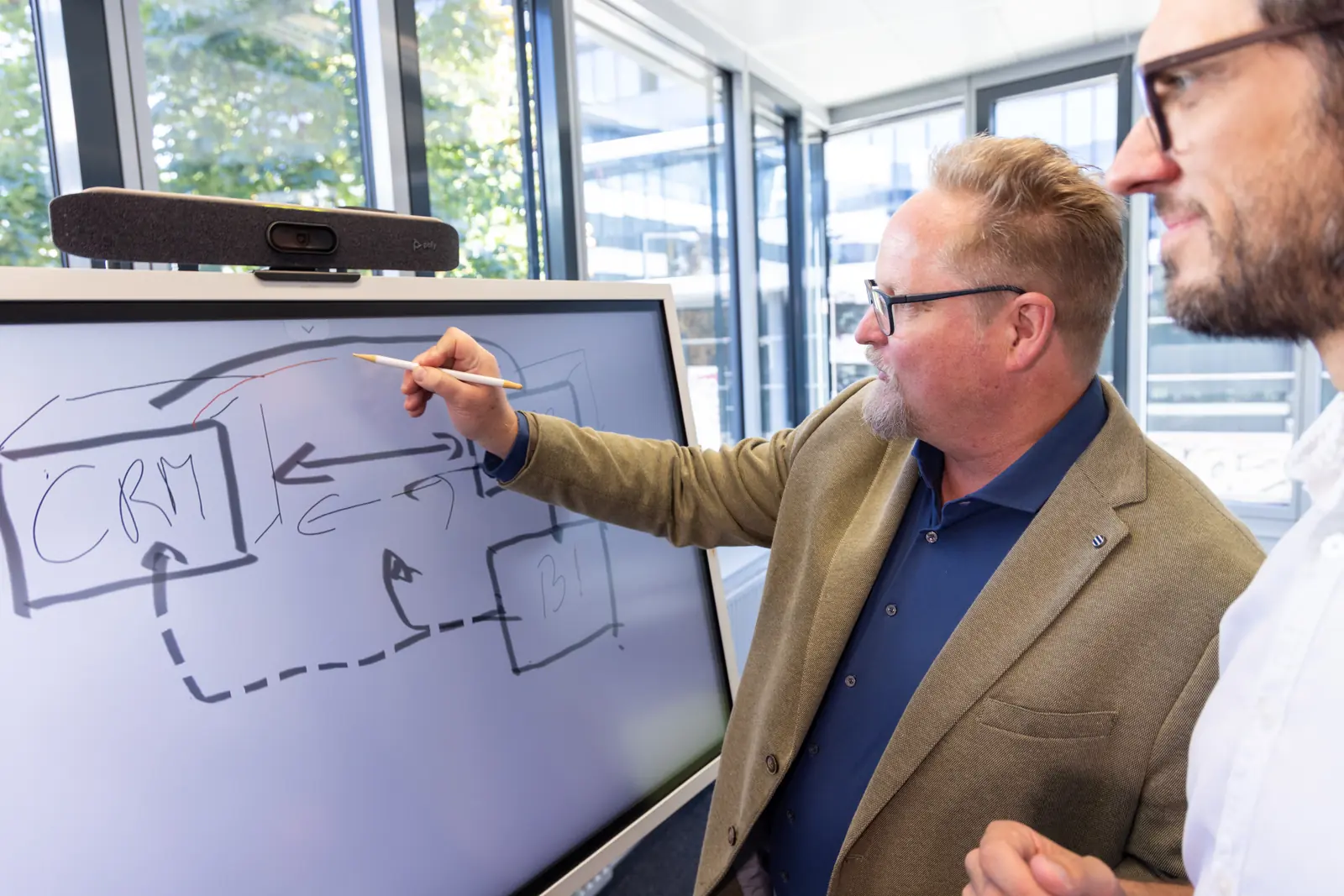
Together with your departments, we map processes and data, for example in finance, purchasing, sales, warehousing, projects and production. We look at master data, interfaces and business-critical customizations.
- Business process analysisWe map your core processes and show where duplicate entries, Excel lists and media breaks cost time. The basis for the requirements catalog.
- Architecture workshopWe clarify how ERP, CRM, Microsoft 365 and your existing systems work together, and whether your ERP runs in the Microsoft cloud or on your own servers.
- Licensing consultingWe determine which Microsoft licenses the roles in your company need. That way, you plan with the right licensing model from the start.
Solution design
We define what the Business Central standard covers and where NAVAX Packages, apps, a data migration or individual extensions are needed.
High-level concept
You get the scope, delivery model and responsibilities for the ERP implementation. Your management can decide on that basis. On request, we prepare a quote based on it.
- Start close to the standardImplement Business Central close to the standard, with the NAVAX ERP EasyStarter and its packages.To Business Central implementation →
- Move from NavisionFrom Dynamics NAV to Business Central, with three paths for your data and customizations.To moving from Navision →
- Custom conceptAn implementation as a project, when your requirements go beyond a start close to the standard.To ERP implementation →
Schematic illustration, without durations. We define with you in the initial meeting which steps and building blocks you need.


Frequently asked questions about ERP consulting.
What companies most often want to know before selecting or replacing an ERP system.
What does ERP consulting do?
ERP consulting clarifies, before the system decision, which processes your company runs and what an ERP system needs to do for them. The result is a requirements catalog you can use to compare systems and plan a project. At NAVAX, process analysis, system architecture and licensing are part of it.
What does an ERP consultant do?
An ERP consultant translates a company's processes into requirements for an ERP system and supports selection and implementation. That means knowing the software in detail and also the processes in accounting, purchasing, warehousing, production and sales.
When do I need ERP consulting?
You need ERP consulting when you select a new ERP system, replace an old system such as Navision or restructure your ERP after years of use. Typical signs are Excel lists next to the system, duplicate data entry and reports that take days.
What are ERP projects?
An ERP project is the selection, implementation or replacement of an ERP system. It includes process mapping, setup, data migration, training and go-live. ERP consulting comes first and defines what the project has to deliver.
What goes into an ERP requirements document?
An ERP requirements document describes, from your company's point of view, what the new system has to cover. It contains the processes of each department, required interfaces, the number of users and your reporting requirements. Every requirement has a priority.
What is the difference between ERP consulting and ERP implementation?
ERP consulting clarifies what the system needs to do and whether it fits you. ERP implementation puts that decision into practice: setup, data migration, testing, training and go-live. With NAVAX you have one point of contact for both, from consulting to support.
Do I need ERP consulting if we have already decided on Business Central?
Yes. Even then, consulting clarifies which processes Business Central covers in the standard, where you need extensions and which licenses your roles require. You also see whether a start close to the standard with NAVAX Packages is enough. That is the basis for a realistic project plan.
What should I prepare for ERP consulting?
It helps to have an overview of your current ERP with version and deployment, meaning cloud or your own servers, and a list of your interfaces to other systems. Think in advance about which data has to move to the new system and how many years of history you need. And name who decides in the project and who works on it as a key user.
Do Copilot and AI play a role in ERP consulting?
Yes, as a next stage after a stable start. NAVAX plans Copilot, AI agents and Power BI where processes and data quality are ready and the benefit is measurable. ERP consulting defines the data foundation for this.
Is NAVAX an independent ERP consultancy?
No. NAVAX is a Microsoft Solutions Partner and focuses its consulting on Microsoft Dynamics 365.
You might also be interested in.
What an ERP system from Microsoft actually is, and what the path from Navision looks like.